The Future of Institutional Document Services Is Online
Organizations provide many services to people who are not employees.
Students submit academic documents. Graduates request verification. Suppliers submit procurement documents. Customers provide supporting documents. Applicants submit forms and attachments. Former employees request official records.
Yet many organizations still require these users to visit physical offices simply to submit documents.
A modern institutional document management platform can change this process.
What Is Online Institutional Document Submission?
Online institutional document submission allows an external user to submit a document to an organization through a secure web-based platform.
The user can create an account, select the organization, choose an appropriate service or office and upload the required document.
The organization then receives the submission through its internal workflow.
External Users Do Not Need to Become Employees
An important distinction is that an external requester does not need to become a staff member of the organization.
The user can have an external account specifically for accessing permitted services.
This allows the organization to separate external service users from internal staff accounts and administrative permissions.
Examples of External Document Users
- Students.
- Graduates.
- Parents and guardians.
- Suppliers.
- Contractors.
- Applicants.
- Former employees.
- Customers.
- Partner organizations.
- Professional bodies.
- Employers verifying documents.
Selecting the Organization
In a multi-organization environment, the user can identify which organization they want to submit a document to.
This is particularly useful when the platform serves multiple institutions.
The organization can then manage its own users, offices, workflows and document services within the appropriate organizational boundary.
Selecting the Correct Office
Organizations with many offices can provide controlled service options.
For example, a user might select:
- Registrar.
- Finance Office.
- Human Resource Office.
- Procurement Office.
- Admissions Office.
- Records Office.
- Examinations Office.
The exact offices depend on the organization.
From Online Submission to Internal Processing
Once a user submits a document, the request can enter the organization's internal workflow.
- External user submits document.
- System records the submission.
- Document is routed to the selected office.
- Authorized staff review the document.
- Additional information can be requested where necessary.
- Authorized processing takes place.
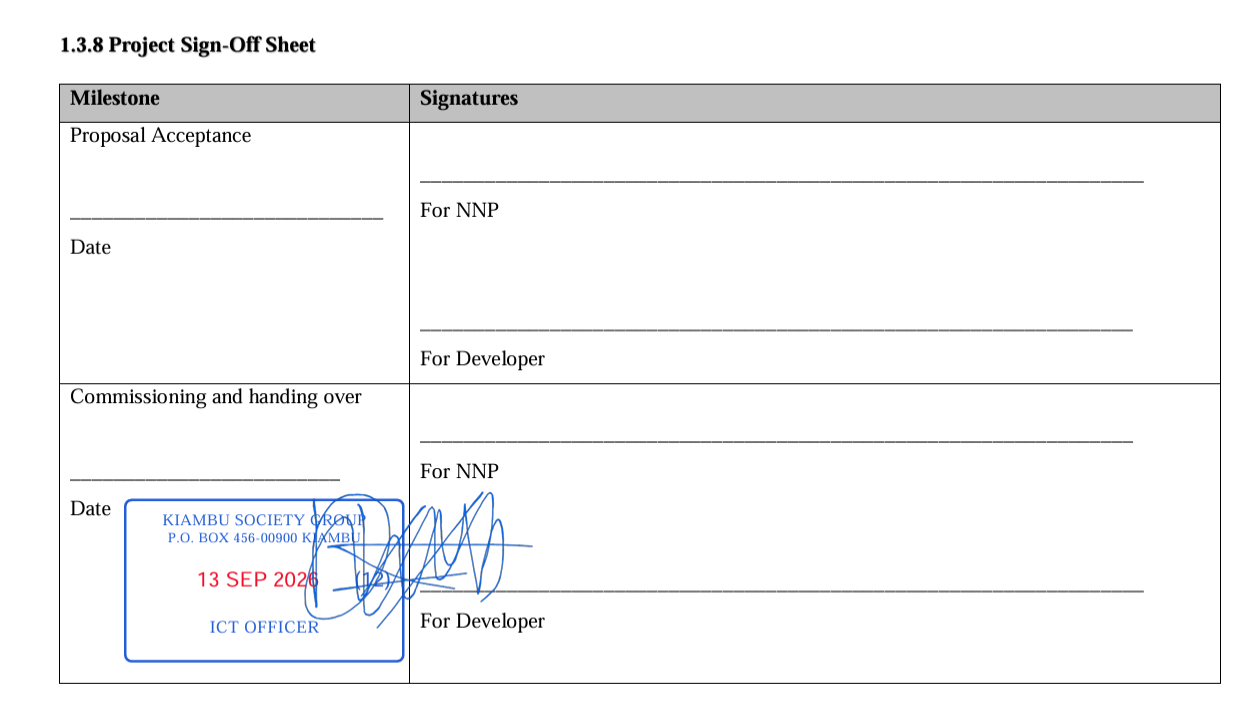
- Document is stamped, signed, verified or otherwise completed according to the configured workflow.
- User receives a notification.
- Completed document becomes available according to access rules.
Why This Model Reduces Physical Visits
Many document services do not require face-to-face interaction.
If the only reason a user is visiting an institution is to submit a document or collect a processed copy, an online workflow can potentially remove that physical dependency.
This can save time for both the requester and institutional staff.
Online Document Submission for Universities
Universities can provide digital document services to students, graduates and external stakeholders.
Examples include document verification, official letters and other approved administrative services.
Online Document Submission for TVET Institutions
TVET institutions can provide graduates and other authorized users with remote document services.
This is particularly useful for former students who may live far from the institution after completing their studies.
Online Procurement Document Submission
Suppliers and contractors frequently exchange documents with organizations.
An online submission portal can provide a structured way to send documents to the correct procurement office.
This can reduce reliance on email attachments and physical delivery for eligible document workflows.
Online HR Document Services
Former employees and external stakeholders may sometimes require official HR documentation.
A controlled online workflow can provide a more structured way to submit requests without giving external users access to internal HR systems.
Online Document Tracking
External users should not have to repeatedly call the organization to ask whether a document has been processed.
A status dashboard can communicate the current state of a submission.
For example:
Submitted → Received → Under Review → Assigned → Processing → Completed
The organization can define the statuses appropriate to its workflows.
Notifications for External Users
Notifications can inform users when their document has been received, requires additional information or has been completed.
This can reduce repetitive telephone and email enquiries.
Controlled External Access
External access must remain limited.
A user should only be able to access documents and submissions associated with their account and authorized services.
The organization should maintain a strong separation between external requester access and internal administrative functions.
Security and Privacy
Document submission platforms may process personal, academic, financial or business information.
Organizations should therefore implement appropriate authentication, authorization, secure storage and access controls.
External users should only see information necessary for their own submissions.
Why Organizations Need an External Document Portal
An external document portal can become an extension of an organization's service delivery infrastructure.
Instead of requiring every stakeholder to interact with a physical office, the organization can offer selected document services online.
SyntaxDocVerify External Document Services
SyntaxDocVerify is designed to support both internal institutional workflows and controlled external document submissions.
Organizations can configure document services while external users can create accounts and submit documents without becoming internal staff members.
Learn more about institutional document workflows or request a demonstration.
Conclusion
Online institutional document submission can make organizations more accessible to the people and businesses they serve.
External users can submit documents remotely, select the appropriate organization and office, track processing and receive completed documents without unnecessary physical visits.
For organizations with high volumes of document requests, this model can improve service delivery while reducing repetitive administrative work.