Complex Organizations Need Connected Document Processing
Large organizations rarely operate from one small office.
They may have departments, divisions, campuses, branches, regional offices and specialized units.
As the organization grows, document processing becomes more complex because different documents require different officers and departments.
An external user may know what service they need without knowing which internal officer should process the request.
A modern digital document processing platform can solve this problem by connecting external requests with internal workflows.
From External Request to Internal Workflow
The document journey can begin outside the organization.
An external requester creates an account and submits a document.
The system records the organization and service requested and routes the submission to the appropriate internal office.
The requester does not need to understand the complete internal organizational structure.
Example of a Multi-Department Workflow
Consider a document submitted for official processing.
- External user creates an account.
- User selects the organization.
- User selects the relevant service.
- User uploads the document.
- System routes the document to the responsible office.
- Officer reviews the document.
- Officer requests additional information if necessary.
- Authorized officer approves the document.
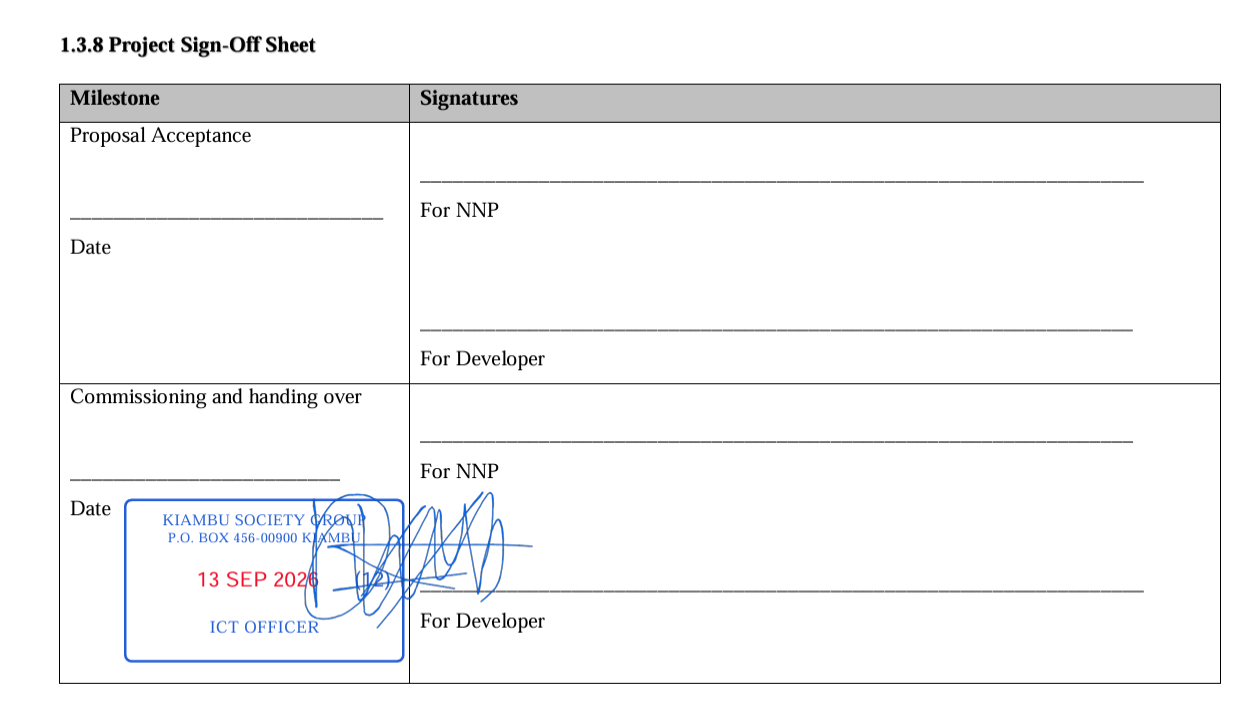
- Authorized user applies the digital stamp or signature.
- Document is verified and completed.
- User receives notification.
- Completed document becomes available.
Why Department-Level Routing Matters
Without routing, an organization may receive documents through a general email address or physical registry and manually determine where they should go.
This creates additional administrative work.
Department-level routing provides a more structured approach.
Document Services as Digital Products
Organizations can think of individual document workflows as digital services.
For example:
- Certificate verification.
- Official letter verification.
- Digital stamping.
- Electronic signing.
- Procurement document submission.
- Records document processing.
- Administrative document verification.
Each service can have its own workflow and authorized offices.
External Users and Organizational Boundaries
An external user should not automatically gain access to the organization's internal information.
The platform should maintain a clear boundary between external submissions and internal organizational data.
The requester should only access the documents and workflow information associated with their own submissions.
Multi-Office Document Management
A centralized platform can represent different offices and departments while maintaining a common document workflow environment.
This is particularly useful for institutions with large administrative structures.
Digital Stamping at the Correct Office
Some documents must be stamped by a particular office.
Instead of requiring the requester to physically locate that office, the digital platform can route the request internally.
The authorized officer receives the document through the system and performs the required action.
Digital Signing at the Correct Authority Level
The same concept applies to electronic signatures.
If a document requires a particular manager or authorized signatory, the platform can route the document to that role.
This creates a more controlled workflow than asking external users to physically carry documents between offices.
Document Processing Status
Complex workflows require clear status information.
A user may see statuses such as:
- Submitted.
- Received.
- Under review.
- Assigned.
- Awaiting information.
- Approved.
- Stamped.
- Signed.
- Verified.
- Completed.
The exact status vocabulary should be configured according to the organization's processes.
Reducing Internal Email Dependency
Email is useful for communication but is not always ideal as the primary document workflow engine.
Documents can become buried in inboxes, forwarded between people and difficult to track.
A dedicated workflow platform provides a more structured operational environment.
Notifications and Escalations
A document platform can notify responsible users when action is required.
Organizations can also configure internal escalation processes for documents that remain pending for too long.
Auditability Across Departments
When a document passes through multiple offices, the organization needs to understand its history.
A workflow history can record major actions and provide a timeline of processing.
This improves operational visibility and accountability.
Digital Document Processing for Universities
Universities can use multi-department document workflows for registrar, finance, procurement, academic and administrative services.
Digital Document Processing for Government
Government organizations can configure workflows around departments and service units while allowing eligible external users to submit documents remotely.
Digital Document Processing for Companies
Companies can use similar workflows for finance, HR, procurement, legal, management and customer-facing document services.
SyntaxDocVerify Multi-Department Document Workflow
SyntaxDocVerify is designed to connect external document submissions with internal institutional workflows.
The platform can bring together organizational offices, document routing, digital stamping, electronic signatures, verification, notifications and controlled external access.
Learn more about institutional EDMS workflows or request a demonstration.
Conclusion
Organizations with many departments need document workflows that understand organizational responsibility.
A modern digital platform can allow an external requester to start a document process remotely while the organization manages the internal routing, review, approval, stamping, signing and verification.
This creates a connected journey from external submission to completed institutional document.