Why Document Approval Automation Matters
Many organizations still approve documents through a combination of printed forms, handwritten signatures, rubber stamps, email attachments and physical movement between offices.
Document approval automation replaces disconnected steps with a defined digital workflow where the system can identify the responsible user and the next required action.
What Is a Digital Document Approval Workflow?
A digital approval workflow is a sequence of document actions performed by authorized users. A document can move from submission to review, approval, stamping, signing, verification and completion.
The exact sequence depends on the organization and the document type.
Step 1: Capture the Document
The process begins when an authorized staff member or external requester submits the document. The system should identify the document type and capture enough information to route it correctly.
Step 2: Route the Document
Routing sends the document to the correct department or office. This is one of the most important automation stages because the wrong destination can create delays.
Step 3: Review and Approval
The responsible officer reviews the document and either approves it, requests additional information or routes it to another stage.
A digital status provides visibility into where the document currently sits.
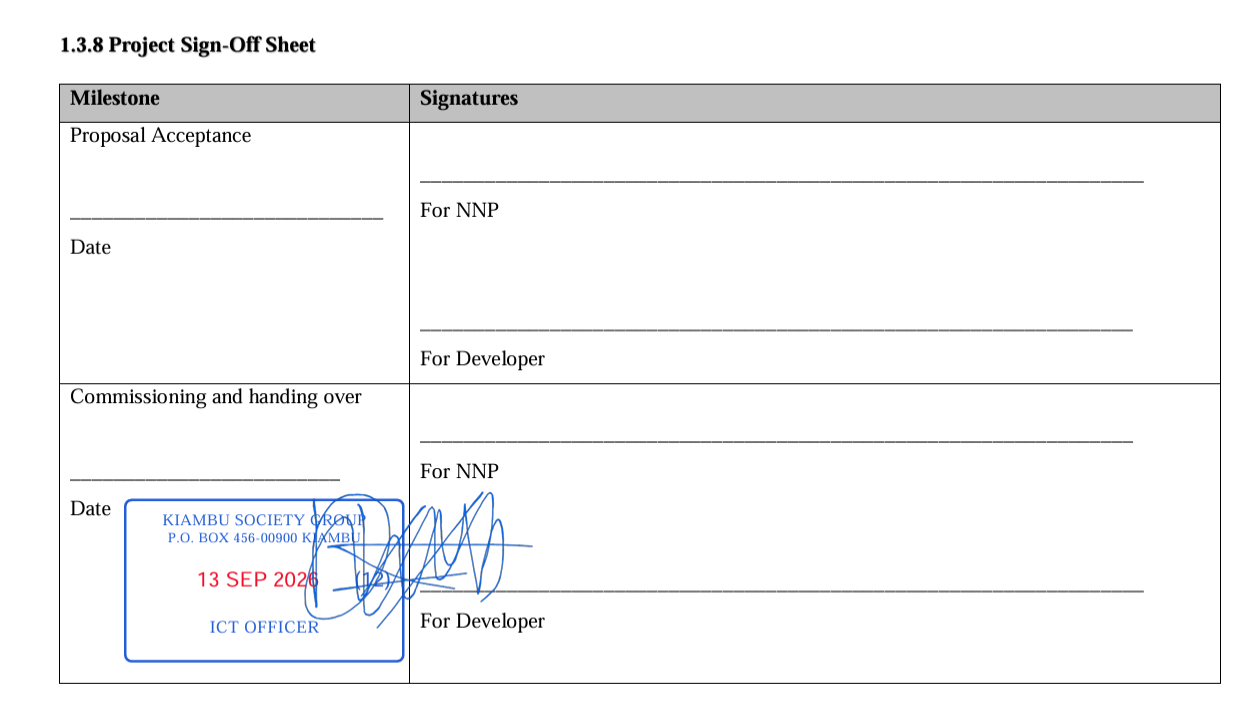
Step 4: Apply the Institutional Digital Stamp
Where a document requires an institutional stamp, the system can restrict stamping to authorized users. The stamp becomes part of the document workflow rather than an isolated image editing action.
Step 5: Apply an Electronic Signature
Documents that require an authorized signature can be routed to a designated signer. The signing step can be completed after required reviews and approvals.
Step 6: Notify Users
Notifications can inform users when documents are assigned, when action is required and when processing is complete.
Step 7: Provide Verification
Completed documents may be presented to external recipients. A QR code or unique verification reference can provide a path to an online verification service.
Workflow Automation for Procurement
Procurement documents often involve several departments and approval levels. A digital workflow can help route requests, quotations, evaluation records and approvals through the appropriate users.
Workflow Automation for Universities and TVETs
Academic and administrative documents can move between departments, registrars, managers and other authorized offices without requiring physical circulation for every stage.
Workflow Automation for Companies
Companies can automate approvals for contracts, procurement, HR documentation, finance records, internal reports and operational requests.
Role Based Permissions
Automation should not remove human authorization. It should make the authorization process more structured.
Users should receive only the permissions required for their responsibilities, especially for privileged actions such as approval, stamping and signing.
Audit History
Automated workflows should maintain a useful history of important actions. This helps management understand processing delays and supports operational accountability.
SyntaxDocVerify Workflow Automation
SyntaxDocVerify connects document routing, digital stamping, electronic signatures, QR verification and notifications within an institutional document workflow.
Explore the document verification platform or request a demonstration.
Conclusion
Document approval automation can reduce repetitive physical movement while giving organizations better visibility into document status and responsibility.
The strongest workflows automate movement and notifications while keeping authorization and privileged actions under controlled institutional permissions.